How to Create 3D Assembly Instructions
By Nicolae Ionascu ·
A good 3D assembly film shows each step in a minute or two, so nobody has to read a manual. Here is how one is made, and what you need to provide.
1. Decide who will watch, then list the real sequence
An installer needs the order of work, the tools and the fasteners. A buyer needs to see how the product works and why it is better. The same product is shown differently for each of them. Then take your current manual, drawings or an engineer's notes and list every step, every part and every tool, in the order your customers should follow.
2. Gather the source files and name two people
The best starting point is a 3D or CAD model of the product. If you only have drawings or photos, those can work too. Useful materials:
- The current printed or PDF assembly guide
- 3D/CAD files, drawings or photos of every part
- A parts and fasteners list
- Where the video will be used (website, YouTube, in-store screen, QR code on the box)
It also helps to name two people on your side: a technical specialist who knows the product and checks the details, and a decision maker who approves the script and the final film. Sometimes this is one person. Quick answers keep the project moving.
3. Write a timed script
The process is split into short actions of about 3 to 5 seconds each. Their sum is the length of the film, and you can see which steps need detail and which can be merged or explained with a caption. Calm pacing, step numbers, arrows and part callouts keep attention on what matters.
4. Approve a rough preview first
Before the final render you get a rough animatic: the same sequence and timing, with simplified materials and lighting. You and your technical specialist check the order of steps, the position of every part, the tools and fasteners, and the pace. Changes are quick at this stage and much harder after the final render.
5. Render and publish
The final render is polished and ready for your channels. Publishing it on YouTube and your product page helps customers find it, and a QR code on the packaging puts the instructions in their hands exactly when they need them.
Example
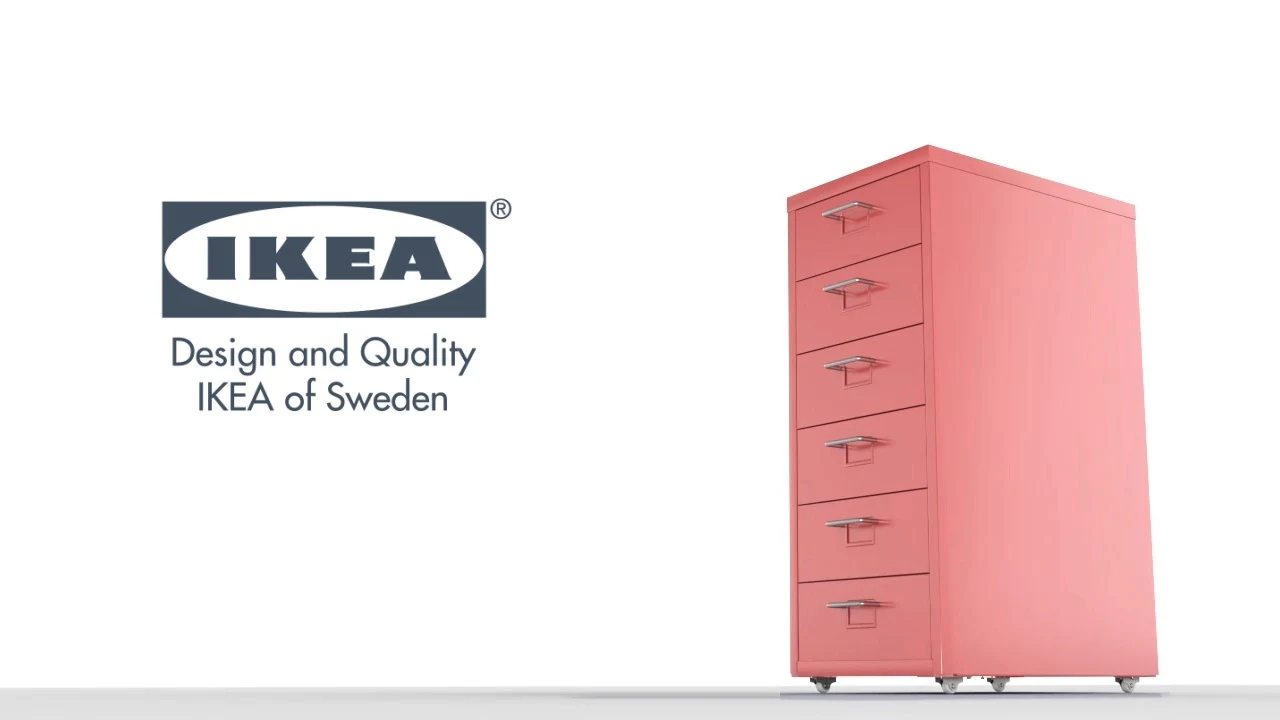
The IKEA HELMER cabinet has an 18-page printed manual. As a 3D animation the same assembly takes about a minute: